
What is the menu item “Set Log Verbosity” for?
In this menu item, you can set the degree of detail of the log files maintained by the GUI. To set a log verbosity, select the item with the same name in the context menu of the system block on the “Workplaces” tab.
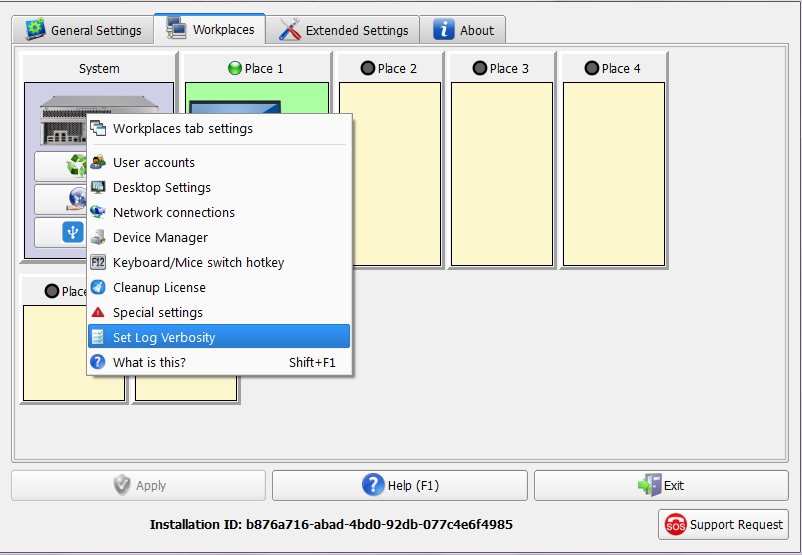
Selecting this item will open the “Log Setup” dialog box with three items:
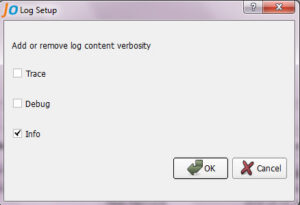
The first two items, “Trace” and “Debug”, are used to debug and search for problems. They should be included only at the request of the technical support team, since they contain a large amount of information and, therefore, greatly increase the size of the log files and somewhat slow down the execution of the GUI.
When selecting the “Info” item, the successfully executed user actions are recorded.